Import / Export
This tab lets you import or export your configuration to a .companionconfig file, which can be used to backup your configuration or move it to a new computer. You can also choose to import just a single page from your file.
If you only want to export a single page, this can be done from the primary buttons page via the Export page option in the Page actions (…) menu above the button grid.
When exporting, you can choose the file format:
- Compressed (Default) — the smallest files. This is recommended for most uses.
- JSON (Standard) — an uncompressed file, which other tools can read.
- YAML (More human readable) — easier to read and edit by hand.
The format which is selected to start with can be changed with the Default Export Format in Settings.
You're also able to completely reset your configuration here as well.
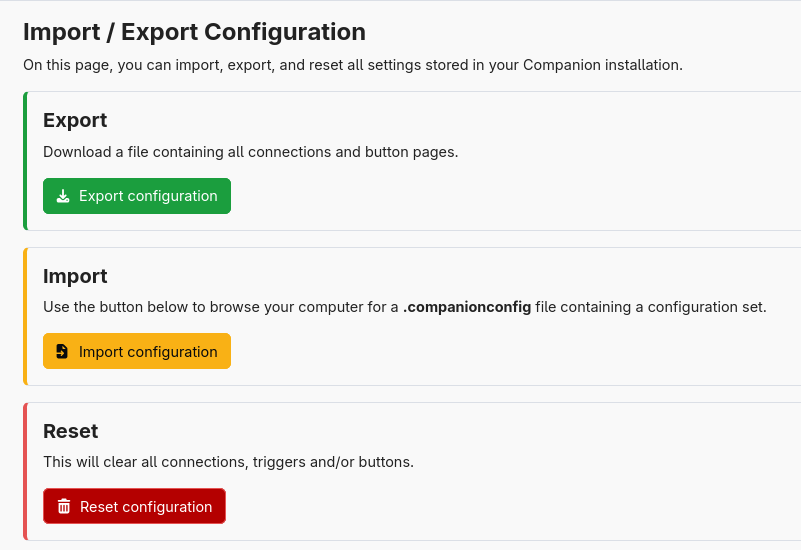
Import
Here you can import a .companionconfig file. Various options will be disabled if it is not possible to import them from the file you have provided.
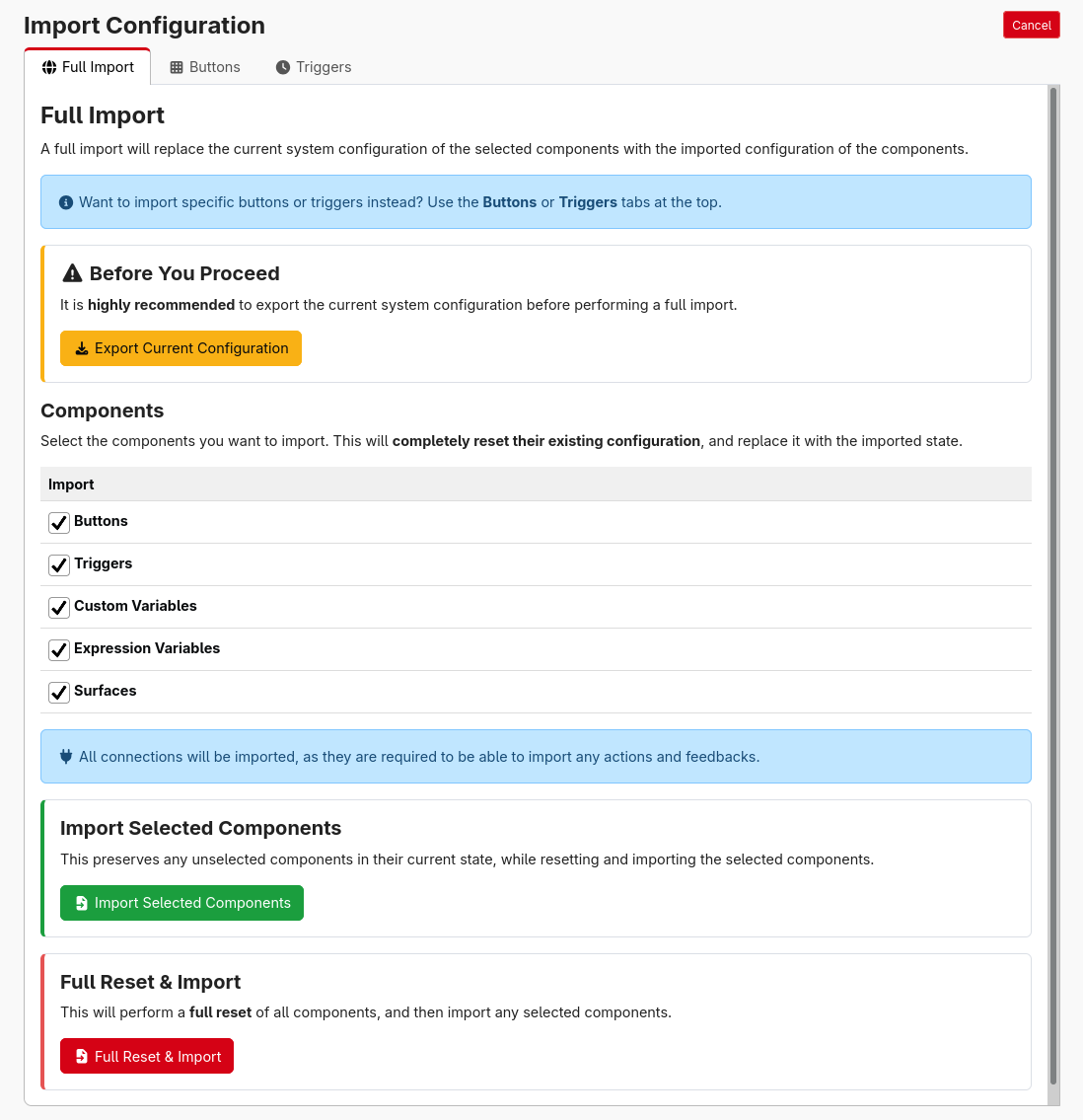
On the Full import tab, you can specify which categories you want to import. Clicking the button: "Import, Preserving unselected components" allows you to import without performing a full reset (your selected components will still be reset and then repopulated from the import file). The "Full Reset then Import" button will reset all components and then import only the selected configuration categories.
Make sure to take an export of your current configuration first, in case you make a mistake.
Configurations of up to 1 GB can be imported. For very large configurations, use the Compressed or JSON formats rather than YAML, as YAML files must be read all at once.
The Buttons and Triggers tabs allow you to import a subset of the pages or triggers, and optionally remap the connections.