Pages
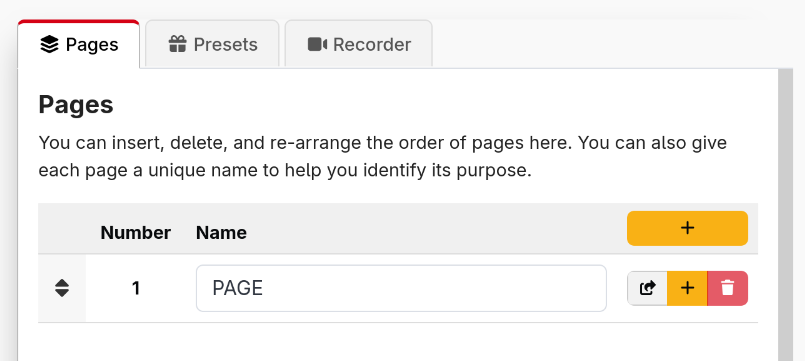
Since Companion v3.5, it has been possible to have as many or few pages in Companion as you would like.
For new installations, Companion starts off with 1 page, but you can add as many as many as you need, some users have hundreds others only a handful.
tip
It is a good idea to name each of your pages, to help you identify them easily
danger
Be careful when reordering pages or inserting pages into the middle. Any references to page numbers will not be automatically updated, so you can break your existing buttons.