Pages
Since Companion v3.5, it has been possible to have as many or few pages in Companion as you would like.
For new installations, Companion starts off with 1 page, but you can add as many as you need, some users have hundreds others only a handful.
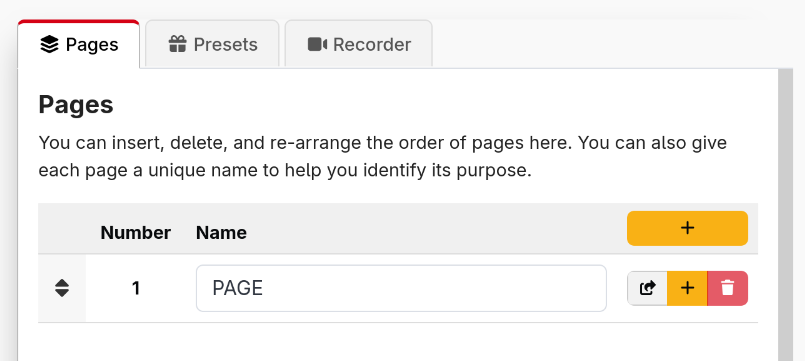
It is a good idea to name each of your pages, to help you identify them easily
If you have several surfaces, there are two common ways to lay out your buttons. Some people give each surface its own pages, while others share pages between surfaces and give each surface its own area of the page, using the offset in grid settings. Choose whichever works best for you.
Be careful when reordering pages or inserting pages into the middle. Any references to page numbers will not be automatically updated, so you can break your existing buttons.
Page variables
Each page can have its own variables. These work just like the local variables of a button, but are shared by every button on the page. They are a good fit for values which belong to the page as a whole, such as which camera a page of buttons is controlling, or the name of the person a page is set up for.
Page variables are managed in the Page Variables tab next to the button grid, and always belong to the page currently shown in the grid. They can be any of the local variable types: a User Value, an Evaluate Expression, or a Feedback.
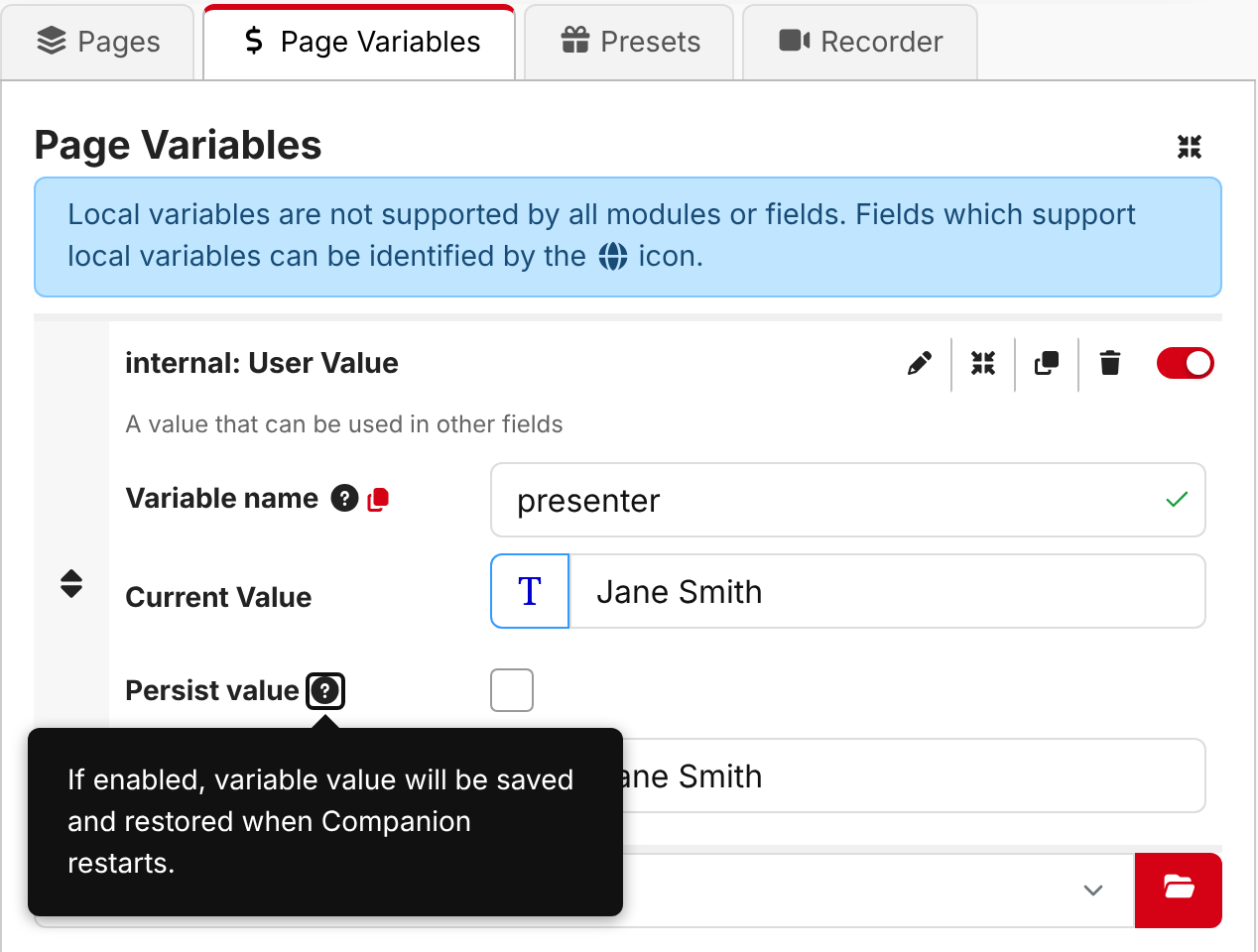
On any button on that page, use a page variable with $(page:name). For example, a page variable called
presenter is used as $(page:presenter).
Page variables can be changed from anywhere, including from another page or a trigger, using the internal actions Page Variable: Set value, Page Variable: Reset to startup value and Page Variable: Write current value to startup value. These actions ask which page to change, so you can for example use one button to choose what a whole other page controls. An action can also store its result into a page variable, see Storing an action's result.
Triggers don't belong to a page, so they can't read $(page:...) variables directly. They can still change
page variables with the actions above.
Page variables are included when you export and import a page.